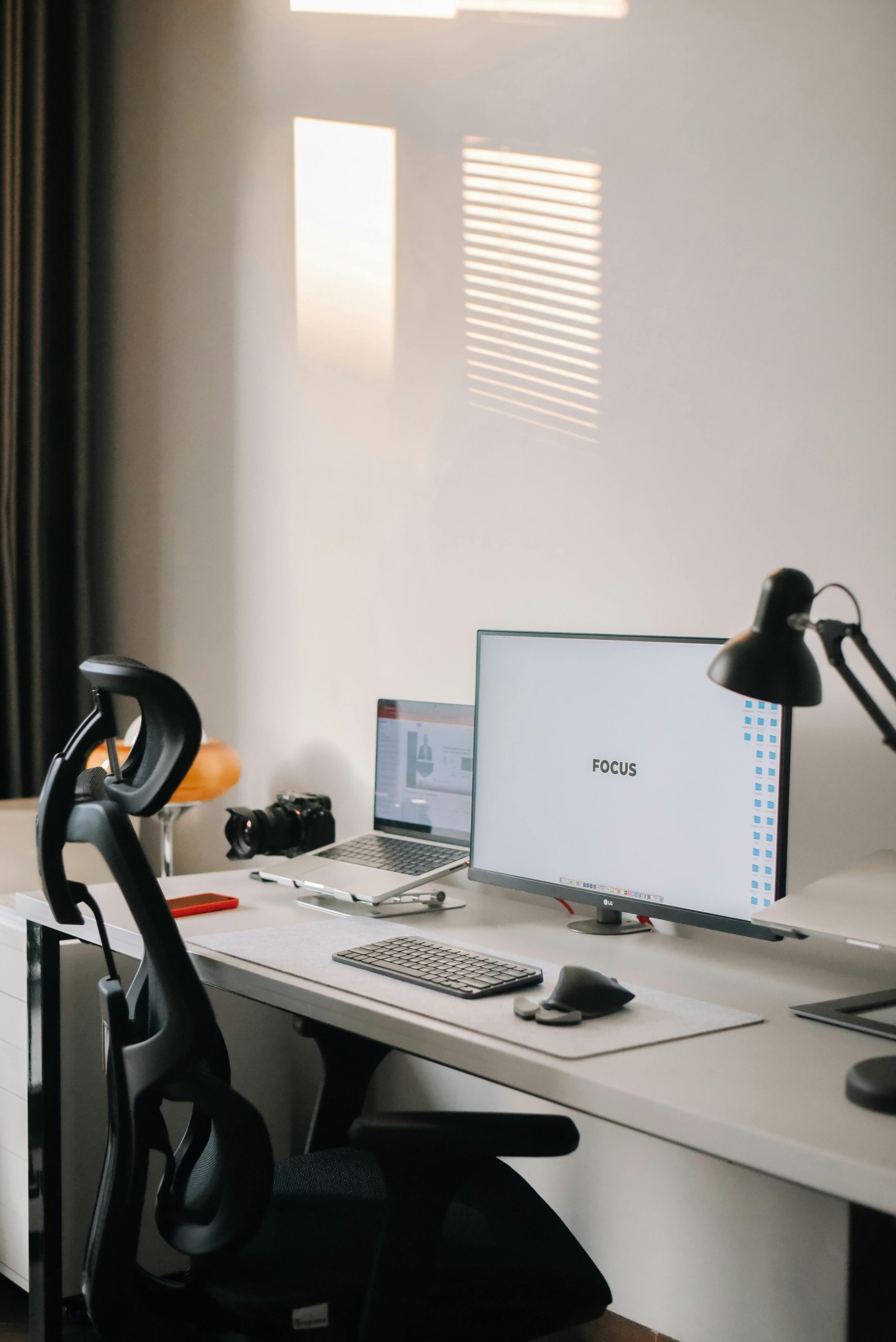
If you spend most of your day at a desk, the way your workspace is set up can have a significant impact on your physical comfort and long-term health. An ergonomic setup doesn’t require expensive equipment. It’s really about positioning your body in a way that reduces strain.
Start with your chair. Your feet should be flat on the floor, and your knees should be at roughly a 90-degree angle. If your chair is too high, a footrest can help. Your lower back should be supported. If your chair doesn’t have built-in lumbar support, even a small rolled-up towel placed behind your lower back can make a difference.
Your monitor should be at arm’s length away, with the top of the screen at or just below eye level. This helps prevent you from tilting your head up or down for extended periods, which is a common cause of neck strain. If you use a laptop, consider propping it up on a stand and using an external keyboard and mouse.
Speaking of your keyboard and mouse, they should be positioned so your elbows stay close to your body at about a 90-degree angle. Your wrists should be in a neutral position, not bent up or down. A wrist rest can help, but it should support your palms during pauses, not while you’re actively typing.
Lighting matters too. Position your screen to minimize glare from windows or overhead lights. If you notice yourself squinting, adjust the brightness of your display or reposition your desk.
Even the best setup won’t help if you sit in the same position all day. Combine good ergonomics with regular movement breaks for the best results. Your future self will thank you.